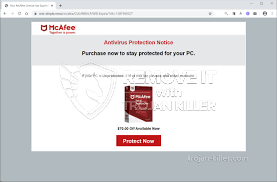
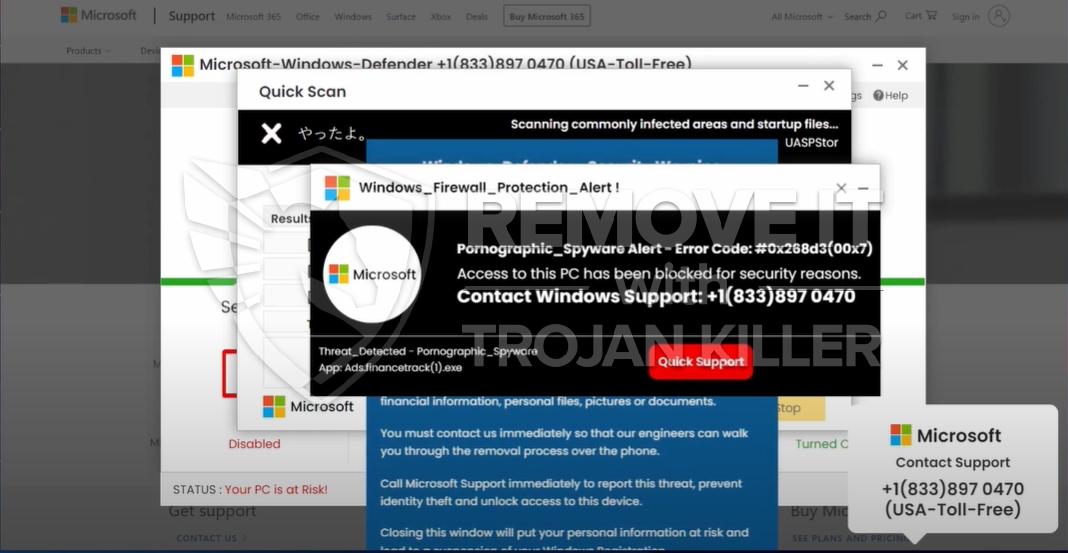
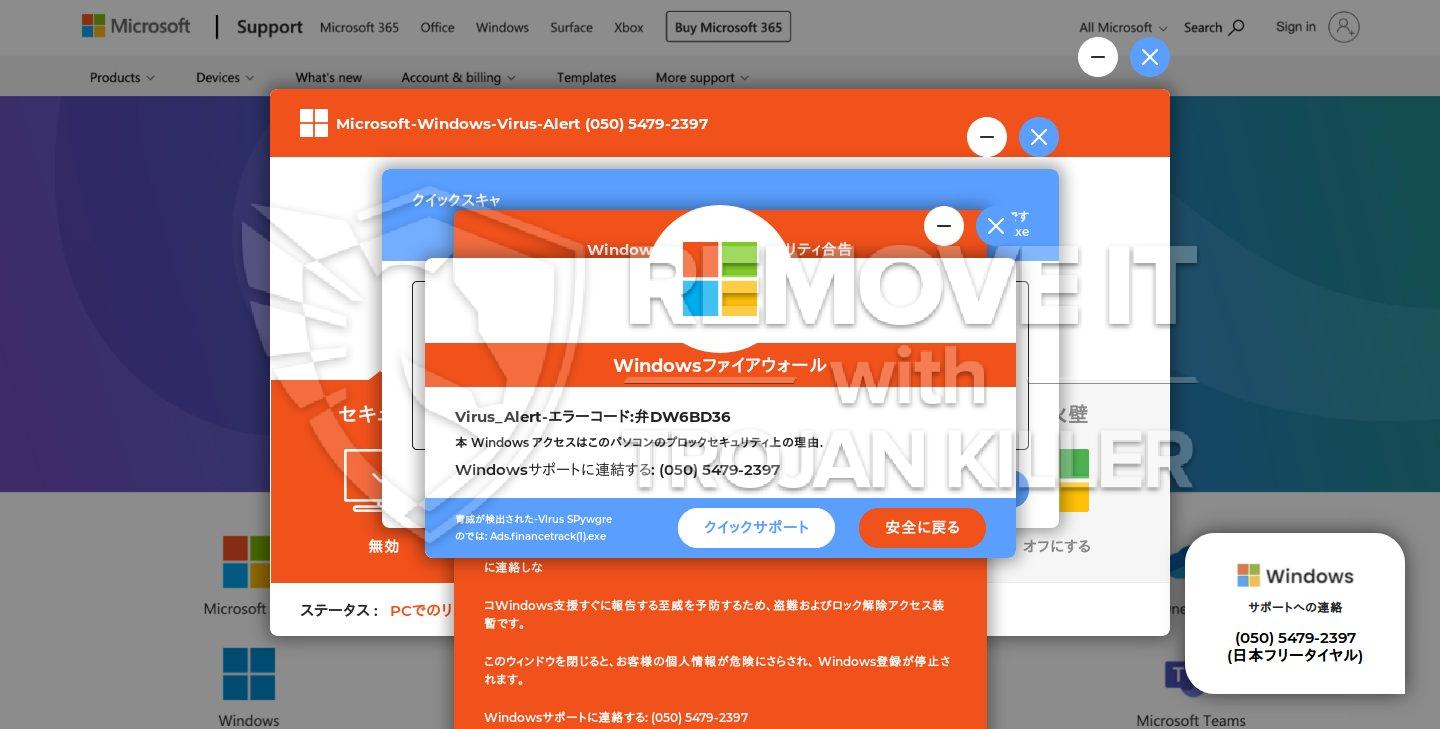
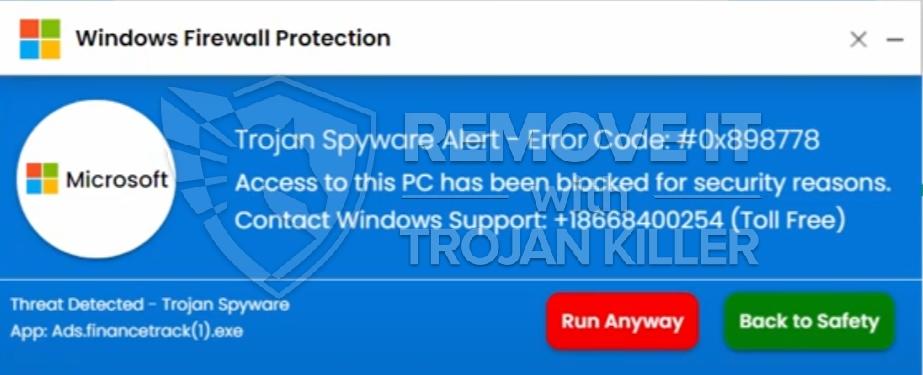
Windows Pro Safety – scam. How to remove

Windows Pro Safety

No doubt, Windows Pro Safety is simply the way of tricking many users in the world today. This is the utility that is not able to render the desired level of protection for your computer. However, it claims that it is capable of assisting you in malware removal, whereas such program simply deceives you a lot. Such applications are often referred to as rogue security programs, and surely they must be wiped off from your PC immediately, upon the very first encounter with them. So, if this bad utility has gained control over your machine, please carefully read the instructions below on how to get rid of this junkware tool from your system.

Continue reading “Windows Pro Safety – scam. How to remove” »

Windows Private Shield virus. The removal tips.

Windows Private Shield

Windows Private Shield is a brand new virus inside the web at present time. If you think that this program is safe and good for your system your are wrong. That is exactly what the virus wants you to think. And it will try to do everything to fool you. When Windows Private Shield penetrates into your system through the web it automatically begins to scan it and provides you with the results of this scanning. But do not panic at once! There can be a lot of threats but each of them is fake. Windows Private Shield creates its own fake names of rogues and scams for you to believe that your system is really infected with some malwares and needs to be repaired immediately.

Continue reading “Windows Private Shield virus. The removal tips.” »

Windows Pro Safety Release – fake AV scam

Windows Pro Safety Release rogue is known to spread a lot of lies about the poor security status of your PC. Well, the very fact that this hoax actually penetrated into your system means that indeed there is some truth in this statement about poor security level, because how could it actually get inside of your machine if you had the powerful anti-virus programs already installed and running on your computer? Well, this is all because sometimes even the decent and reputable anti-malware programs are not timely updated by you or by their developers, thus allowing the rogue security tools to make their dwelling in your system. But all other facts stated by Windows Pro Safety Release are fake and should not be actually trusted by you.

Continue reading “Windows Pro Safety Release – fake AV scam” »

Windows Safeguard Upgrade virus. How to remove

Windows Safeguard Upgrade

You should be careful when dealing with Windows Safeguard Upgrade rogue antispyware program. It enters your PC without your approval. In other words, you don’t participate in its installation process. The program uses the GUI of some good anti-virus solution, whereas it is not able to identify or removal real threats. So, keep in mind that you must eliminate this Trojan from your system immediately, upon the very first detection. Be smart and do not let it ruin your system and empty your wallet.

Continue reading “Windows Safeguard Upgrade virus. How to remove” »

Windows Be-on-Guard Edition virus. How to remove

Windows Be-on-Guard Edition

Another name has been chosen by hackers for their rogueware. Today we will talk about Windows Be-on-Guard Edition scam. This is the tool that pretends to be some superb anti-malware solution, whereas it is not what it claims of itself. Instead of assisting you in malware elimination this scam device surely knows how to trick and to fool users by prompting them into wasting their funds for nothing. Regretfully, some have become the victims of this scareware.

Continue reading “Windows Be-on-Guard Edition virus. How to remove” »

Windows Secure Surfer virus. The removal guide.

Windows Secure Surfer

Windows Secure Surfer is a brand new virus in computer world at present time. It has a lot of similar viruses we have already written you about. This one is not an axception. It has the main goal to steal your money by tricking you. And it actually can do that. When Windows Secure Surfer penetrates inside your system through the web it automatically begins to shows you the process of scanning and provides you with the list of threats it supposedly finds in your machine. And of course, it suggests you to remove those threats with the help of its product but at first you need to buy its commercial version. Do not do that under any circumstances! If you do the purchase you will get nothing but lost time and money. And the virus will achieve its goal completely.

Continue reading “Windows Secure Surfer virus. The removal guide.” »

Windows Abnormality Checker virus. Solution to fix

Windows Abnormality Checker

Windows Abnormality Checker is another parasite that wants to be fed by the inner resources of your system. Moreover, this is a liar that knows nothing about real problems of your PC, but is says that it can improve its functionality substantially. Well, surely, you must be very careful when you deal with pests like this one. The program was elaborated by the team of online crooks who want to use its specifically for the purposes of making money with unfair methods. Below you may find out how exactly this happens.

Continue reading “Windows Abnormality Checker virus. Solution to fix” »

Windows Pro Solutions rogue. How to remove it effectively

Windows Pro Solutions tends to persuade the gullible PC owners that it is a superb antivirus program. It claims to effectively fight with Trojans, rogues, viruses and other types of infections. It doest its best to make people think that it is a really necessary application. This malicious campaign is counted on unwary Internet surfers.The infiltration of the virus is implemented due to backdoor activity of Trojans. They envolve all possible security leaks and implant all important executables of the badware onto the compromised workstation. It squeezes to the targeted PC without being noticed. It does not wait for your approval or consent. Windows Pro Solutions add some registry entries to start after every Windows reboot. Once you restart your computer the pest interferes into your steady work with annoying pop ups and fake system checkups. Upon the termination of such bogus scans, the deceitful scan results are generated. The scanning reports are worth no trusting. The potential victim is misinformed that the PC needs immediate aid in order to prevent the PC crash. If you attempts to delete all allegedly detected insecure items by means of “almighty remedy” you will be rerouted to the web page where the commercial version of Windows Pro Solutions is recommended.

Continue reading “Windows Pro Solutions rogue. How to remove it effectively” »

Windows Sleek Performance virus. How can I delete it?

Windows Sleek Performance

Windows Sleek Performance is a new threat inside the web at present time. This virus will try to convince you that its product is the best for your system and you have nothing to worry about. But this is not true. When Windows Sleek Performance penetrates into your system it automatically begins to scan it and provides you with the list of threats it supposedly finds inside your machine. But do not panic at once! Each of those threats is totally fake and you do not have any of them in your system. The virus just wants you to believe that your system is really infected with different malwares and needs to be repaired immediately.

Continue reading “Windows Sleek Performance virus. How can I delete it?” »

Remove Windows Pro Security Scanner ASAP

Windows ProSecurity Scanner(WindowsProSecurityScanner) сlaims to be a real software destined for cleaning computers from Trojans, rogues, viruses and other types of malwares.It is not easy for average computer owner to determine its authenticity at first. Indeed it is a deceptive trick fabricated by cyber crooks. It is counted on gullible Internet surfers.The invasion of the virus is carried out via backdoor activity of Trojans. They envolve all possible security vulnirabilities and implant all important executables of the badware onto the compromised workstation. It squeezes to the targeted PC without being noticed. It does not wait for your approval or consent. Windows ProSecurity Scanner configures the system in such way to start after every Windows reboot. Once you restart your computer the pest interferes into your steady work with annoying pop ups and fake system checkups. Upon the termination of such bogus scans, the deceitful scan results are generated. The scanning reports are worth no trusting. The potential victim is misinformed that the PC needs immediate aid in order to prevent the PC crash. If you attempts to delete all allegedly detected insecure items by means of “almighty remedy” you will be rerouted to the web page where the commercial version of Windows ProSecurity Scanner is offered.

Continue reading “Remove Windows Pro Security Scanner ASAP” »